How tablet sale escrow works for buyers and sellers
Escrow is a simple payment holding process. The buyer pays into the escrow account first, the seller ships the tablet only after payment is confirmed, and the money is released once delivery is confirmed by the buyer. It is commonly used for online tablet sales where the parties are in different places such as Sandton, Johannesburg, Cape Town, Durban, Pretoria or Gqeberha.
For tablet trades, this arrangement helps reduce the risk of paying for a device that never arrives or shipping a device before payment has cleared. It is useful for private sales, secondhand stock, refurbished tablets, and business-to-business orders where the item needs to be checked before release. Always check that any provider you use is properly registered and suitable for your transaction type.
- Buyer pays into escrow before dispatch
- Seller sends the tablet with the agreed delivery method
- Buyer checks the item on arrival and confirms receipt
- Funds are then released to the seller
Tablet types, sizes and use cases
Tablet sales vary from small personal devices to larger work tablets used for stock control, field reporting, route planning or school work. The right choice depends on screen size, storage, battery life, connectivity and whether the tablet must handle light office tasks or heavier app use. Common screen sizes are 7 to 8 inches, 10 to 11 inches, and 12 inches or more for larger work setups.
When placing a tablet order through escrow, confirm the exact size and version. A 10.5 inch tablet is not the same as a 10.9 inch model, and storage can make a big difference to performance. If you are trading from a coastal area like Durban or Gqeberha, ask about case condition and port covers too, since humidity and salt air can affect long term wear.
- Screen sizes: 7 to 8 inch, 10 to 11 inch, 12 inch plus
- Storage: 32GB, 64GB, 128GB, 256GB and above
- Connectivity: Wi-Fi only or Wi-Fi plus cellular
- Typical uses: browsing, study, sales work, field use, streaming and light admin
Before you book an escrow deal
Before payment goes into escrow, make sure the listing or quotation matches the tablet that will actually be supplied. Check the model name, storage, colour, battery condition, charger type, screen condition and whether accessories are included. If the tablet is secondhand, ask for honest notes on marks, repaired parts or battery wear, because those details matter once the item arrives.
Agreeing on the inspection period and what counts as a problem also makes things clearer. For example, a cracked screen, missing charger, wrong storage size or incomplete accessory set should be recorded clearly before shipment. This keeps the release stage easier and cuts down on confusion later on. Keep screenshots, order notes and delivery records in one place.
- Exact model and storage size
- Battery condition and charger type
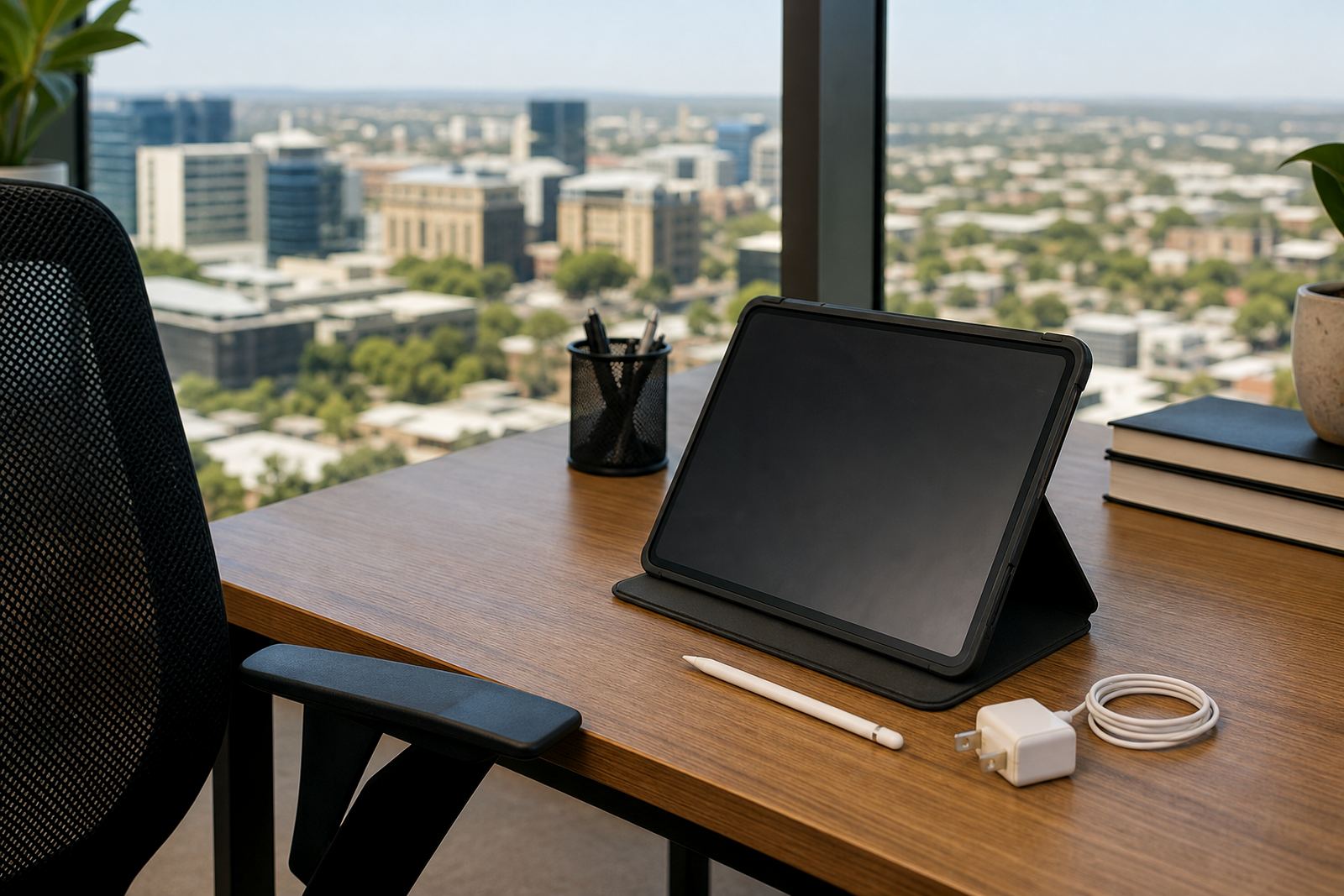
- Included items such as stylus, cover or keyboard
- Inspection period and acceptance terms
- Courier method and delivery address
Delivery, inspection and release support
Once the tablet is sent, the buyer should inspect it as soon as it arrives. Check the screen, ports, buttons, charging point, speakers, camera, Wi-Fi connection and any accessories listed in the order. If there is a problem, note it straight away and keep photos or video as evidence. This is especially helpful when the item has travelled between provinces and a courier delay or packaging issue has affected the condition.
TrustIn supports common escrow steps such as delivery check support, item condition review, missing accessories help, wrong item support, incomplete work review, milestone delay support, inspection period guidance and evidence submission help. We also assist with refund process support, release query support and courier issue help where the parties need a clear next step.
- Check the tablet immediately on delivery
- Record any damage, missing parts or wrong specifications
- Use photos, video and delivery notes as proof
- Confirm release only when the order matches what was agreed
Documents and account setup
For business users, a spare charger can save time when the tablet is used across multiple shifts.
If the tablet will be mounted, used with a keyboard cover, or connected to printers and card readers, confirm the port type and compatible accessories before the sale is finalised. Some users also need cellular capability for work outside the office, so a Wi-Fi only unit may not suit every job. Keep the setup simple and make sure the chosen device matches the actual work environment.
- Check charging port type and cable supplied
- Confirm whether cellular data is required
- Ask if keyboard, stylus or mount is included
Before funds move
Tablets last longer when they are kept in a hard case, cleaned with a soft cloth and charged with the correct cable and adapter. Avoid heat, direct sun on a dashboard and dusty storage areas. In coastal towns, wipe the device dry after use and do not store it in a damp bag or vehicle for long periods.
For secondhand or refurbished tablets, ask what servicing has been done and whether the battery has been tested. If the device has had a screen replacement or port repair, that should be disclosed clearly. A buyer should also check whether the tablet can still receive updates and whether the storage is enough for current app use. If anything looks unclear, ask before the escrow release is approved. It saves trouble later on, nogal.
- Use a case and screen protector
- Keep the charging port free of dust
- Store away from heat and moisture
- Ask about battery health and update support
Why tablet escrow suits online trade across South Africa
Tablet sales often happen between people who do not know each other, which makes trust important. Escrow gives both sides a clear process and a defined point when the money moves. That works well for online trade across Gauteng, the Western Cape, KwaZulu-Natal and the Eastern Cape, especially when the item must be inspected before payment is final.
TrustIn is based in Sandton, Johannesburg and supports buyers and sellers through a contact form enquiry process. Our team includes support for operations, buyer queries, seller queries, compliance and dispute resolution, so the transaction can be handled in a practical way. For any payment service, always check that the provider is properly registered and that the terms fit your transaction before you proceed.
- Useful for private sales and business sales
- Helps when buyer and seller are in different cities
- Supports inspection before release
- Reduces confusion around delivery and acceptance
Deal summary
| Product type | Escrow payment service for tablet sales |
|---|---|
| Typical tablet sizes | 7 to 8 inch, 10 to 11 inch, 12 inch plus |
| Connectivity options | Wi-Fi only or Wi-Fi plus cellular |
| Common storage ranges | 32GB to 256GB and above |
| Coverage | Across South Africa, from Johannesburg to Cape Town, Durban, Pretoria and Gqeberha |